.png?fit=max&auto=format&n=-Uw4rR8wfyv_xkzc&q=85&s=898bb0b43b6c9dce61441f46ac9ac860)

1
Select the right server
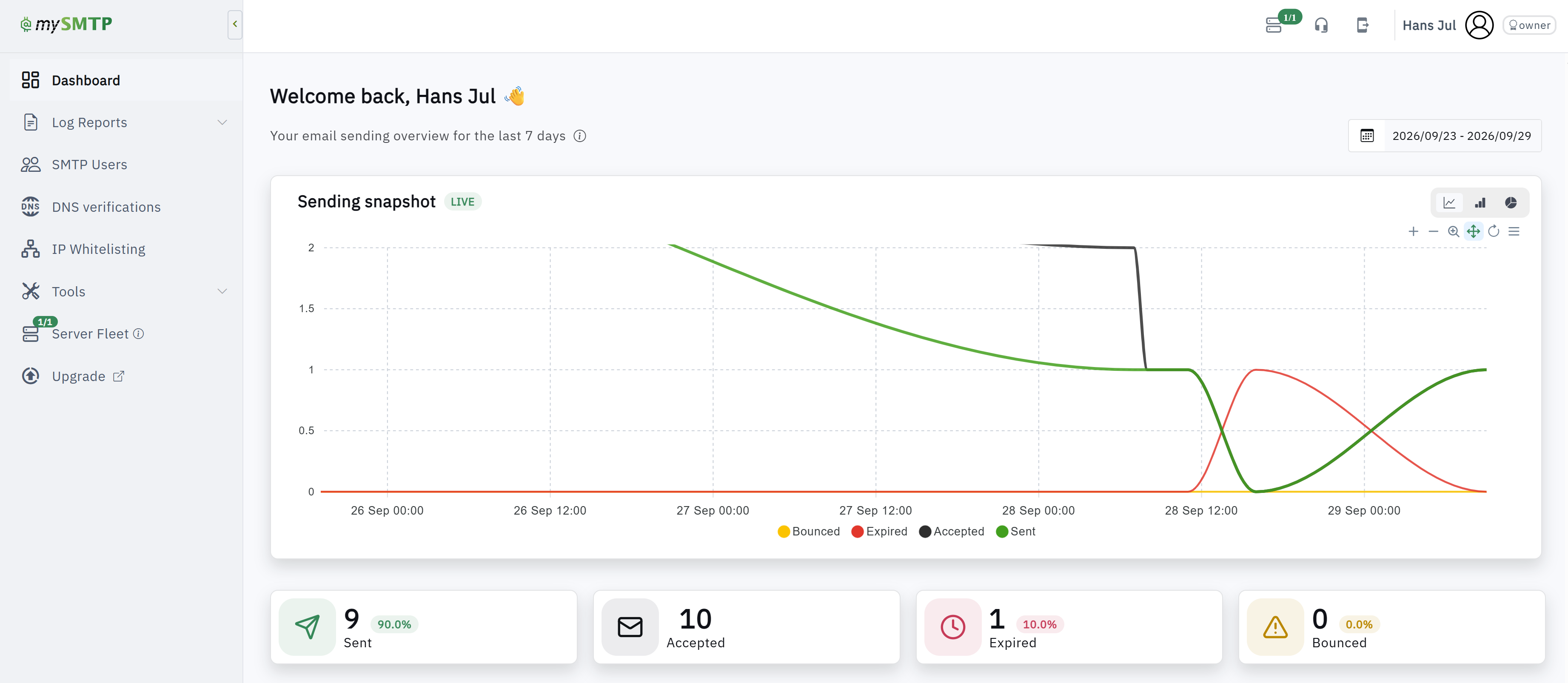
Select the right server in Server Fleet, if your account has several.
2
Open Log Reports
Open Log Reports and locate the message by time and recipient.
3
Read status and SMTP response
Read its status and the receiver’s SMTP response. An accepted message may still be filtered by the recipient’s mailbox provider; a bounced or expired message needs the reported cause addressed.
4
Check DNS verifications
Check DNS verifications if the response mentions authentication or domain policy.
5
Contact support if needed
If the result is unclear, contact support with the message details and SMTP response.